PlayStation Portal: Your Guide to Playing PS5 Anywhere at Home
The PlayStation Portal lets you take your PS5 games to any part of your home. It's not a standalone console, but an extension of your PlayStation 5 that streams your games to an 8-inch screen with integrated DualSense controls. Find out if it's the ideal device for you.
ByAndreea Blidar4 min read
Ever wish you could keep playing your PlayStation 5 game even when the main TV in your home is taken? Sony heard you and introduced the PlayStation Portal, a handheld device that lets you extend your PS5 experience to any corner of your house. Recently, this gadget caught attention due to a UK deal that brought its price down significantly, as reported by Trusted Reviews, making many wonder if it's the perfect time to jump into this new way of gaming. Beyond specific deals, the Portal offers a unique way to enjoy your games.
What is the PlayStation Portal and What Does It Do?
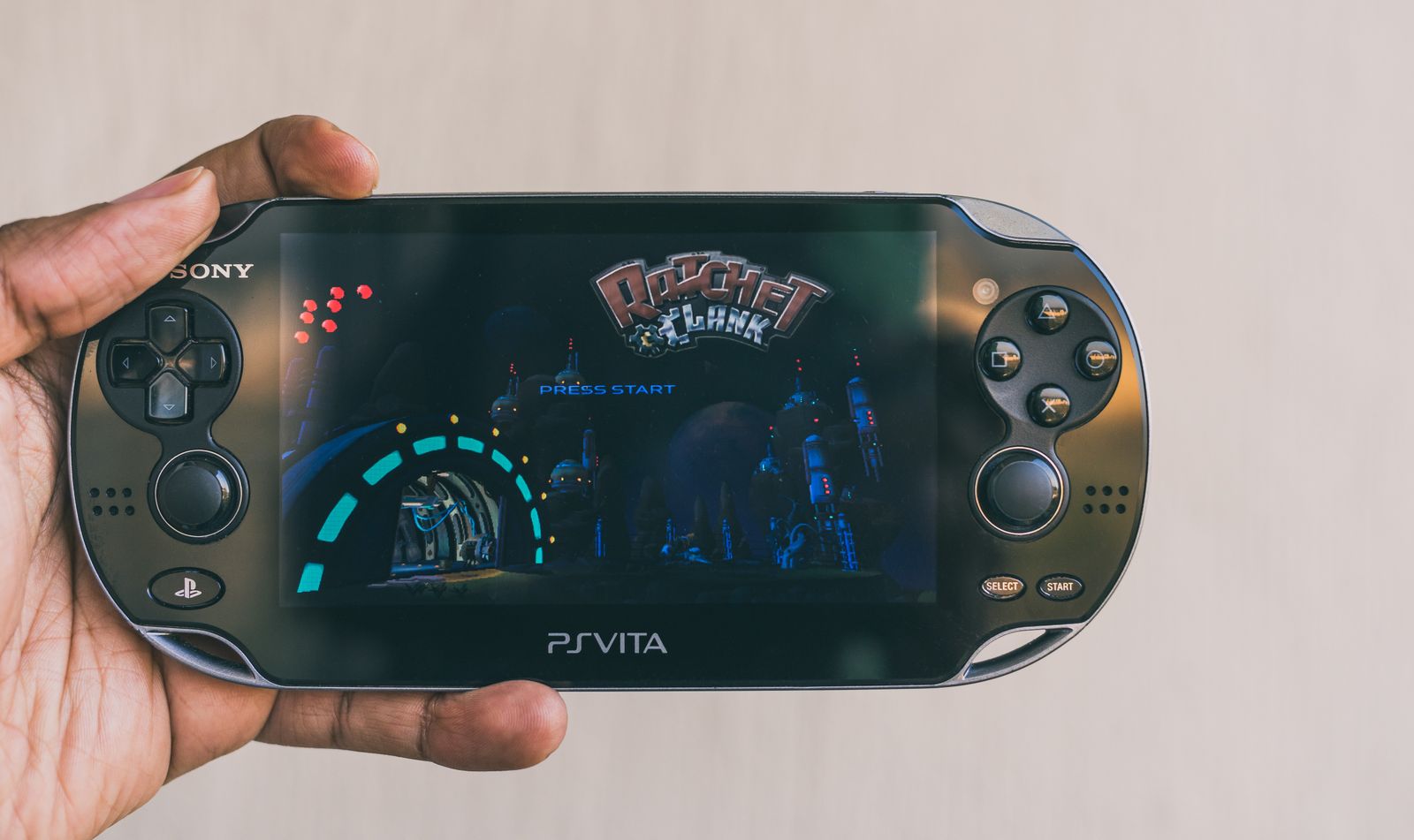
The PlayStation Portal is not a standalone portable console like the PSP or PS Vita once were. Instead, it's an extension of your PlayStation 5. Its primary function is to allow you to play your PS5 games remotely, by streaming the signal from your console to the Portal's screen. This means your PS5 must be powered on and connected to the same Wi-Fi network as the Portal for it to work.
It's perfect for those times when the main screen is occupied or you simply want to play from the comfort of your bed or another room.
Design and Key Features
When you pick it up, the PlayStation Portal will feel familiar, as its design resembles two halves of a DualSense controller stretched around an 8-inch display. Tech expert Chris Smith from Trusted Reviews noted that despite its unusual width, the grip felt properly balanced within minutes of regular use.
The 8-inch LCD display offers enough vibrancy to make the Remote Play experience feel purpose-built rather than improvised, even without HDR support. A significant advantage is the ability to wirelessly pair with Sony's PlayStation Link headsets for hi-res, zero-latency audio, without needing the USB dongle that a standalone PS5 would require. The adaptive triggers and haptic feedback from the DualSense carry over seamlessly, offering the same immersion as on the main console.
The Remote Play Experience
The core of the PlayStation Portal is its Remote Play capability. The fluidity of your experience heavily depends on the stability of your Wi-Fi connection. If your network is solid, streaming games from your PS5 will be smooth and uninterrupted, faithfully replicating what you'd see on your TV. The device's battery lasts around six to seven hours of continuous play, which is plenty for extended sessions and for fulfilling its purpose of filling gaps when the main screen is occupied, as highlighted by Trusted Reviews.
Is the PlayStation Portal for You?
This device is designed for a very specific type of player. If you live alone and always have access to your TV, you might not get the most out of it. However, if you share the living room TV with family or roommates, or simply like the idea of continuing your Spider-Man 2 game while someone else watches a movie, the Portal is a fantastic solution. It's also ideal for those who want to play from bed, the kitchen, or even the patio, as long as the Wi-Fi signal is strong. It's not designed for playing outside the home without a strong, consistent Wi-Fi connection.
Points to Consider Before Buying It
Before making your decision, keep these aspects in mind:
- Wi-Fi Dependence: Your experience will only be as good as your Wi-Fi connection. An unstable network can cause lag or interruptions.
- Not a Standalone Console: The Portal does not run games by itself; it only mirrors what's running on your PS5. You cannot install games directly on it.
- PS5 Games Only: It's optimized for PlayStation 5 titles. It won't work with physical PS4 games if your PS5 is the digital edition, nor with PS Plus Premium streaming games directly on the Portal.
- No Traditional Bluetooth: It uses PlayStation Link technology for low-latency audio with specific Sony headsets. You cannot connect your regular Bluetooth headphones.
- Price: While there have been deals, its regular price of £199.99 (according to Trusted Reviews) might seem high if it doesn't perfectly fit your gaming style.
Why it matters
The PlayStation Portal is an intriguing proposition from Sony, aiming to solve a common problem for many gamers: main screen availability. It's not a console for everyone, but for those seeking the flexibility to play their PS5 titles anywhere in their home, it offers a comfortable and immersive experience. With integrated DualSense technology and a decent screen, it stands as a solid option to keep the PlayStation fun within reach, no matter who is using the TV.
Script for your video
Runs about 50 secMake short videos? This script sums up the story so you can read it off your teleprompter and record a Reel, a Short, or a TikTok.
Title for your video
Play PS5 Anywhere at Home with PlayStation Portal
How to use it
- 1Pick the length — 1 or 2 minutes — and tap “Copy script.”
- 2Paste it into the teleprompter app on your phone, or read it off the screen.
- 3Record vertically and post it to Reels, Shorts, or TikTok.
It's free to use, and you can monetize your video. We only ask that you say where you read it: the script already ends with “The full story is on losupe.com.”
Sources
TopicsGamingConsolesPlayStationGuideTechnology